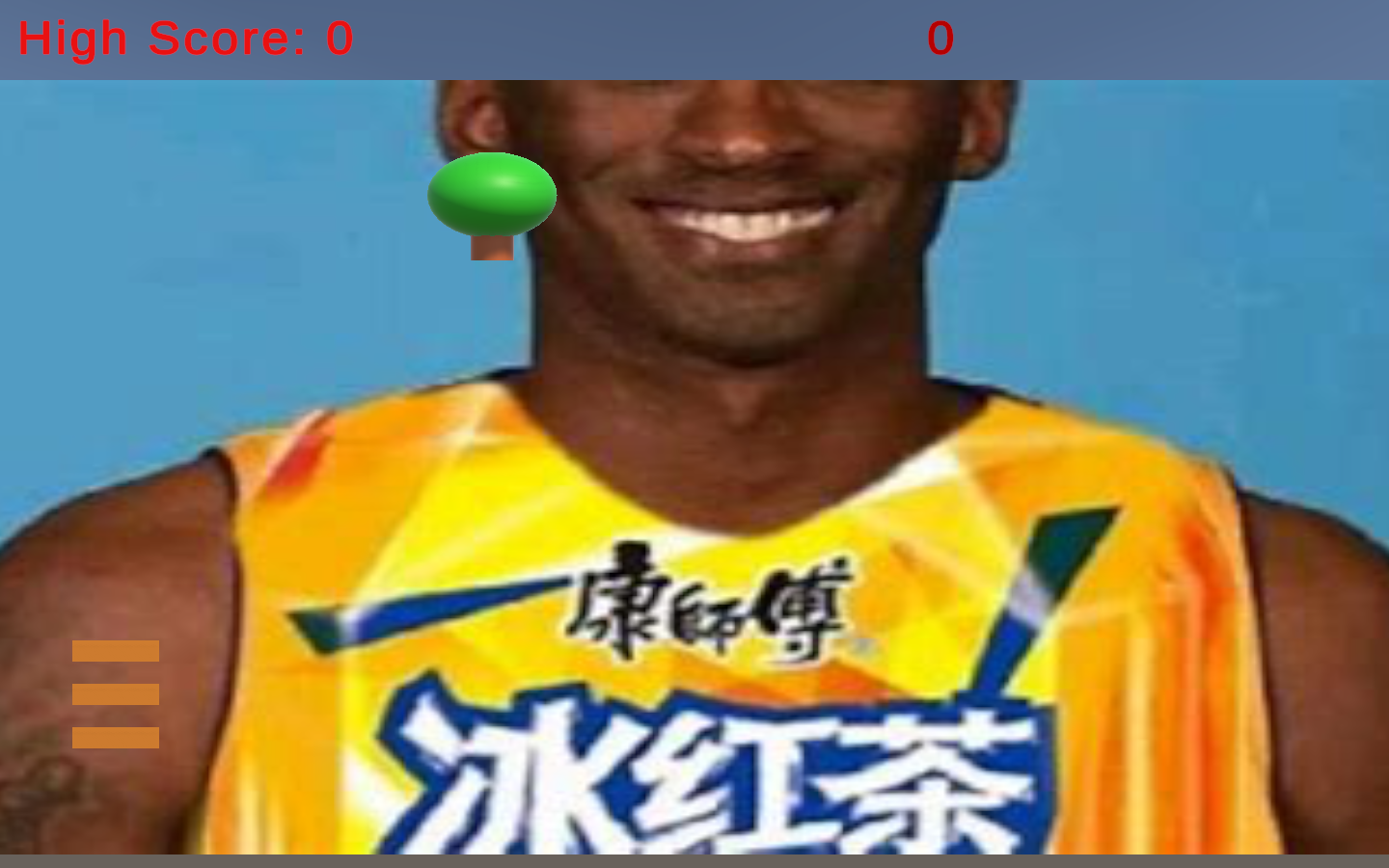
Game prototype
Apple Picker
A mouse-controlled catching game with scoring, lives, and increasing difficulty.
Projects / Game development
Small games and the code behind them.
A collection of my Unity work from Computer Game Design at Shenzhen University and related practice. Apple Picker explores catching, scoring, and game flow; Mission Demolition explores slingshot controls and projectile physics. Supporting scripting exercises and scene notes are collected below.
Two prototypes
Game prototype
A mouse-controlled catching game with scoring, lives, and increasing difficulty.
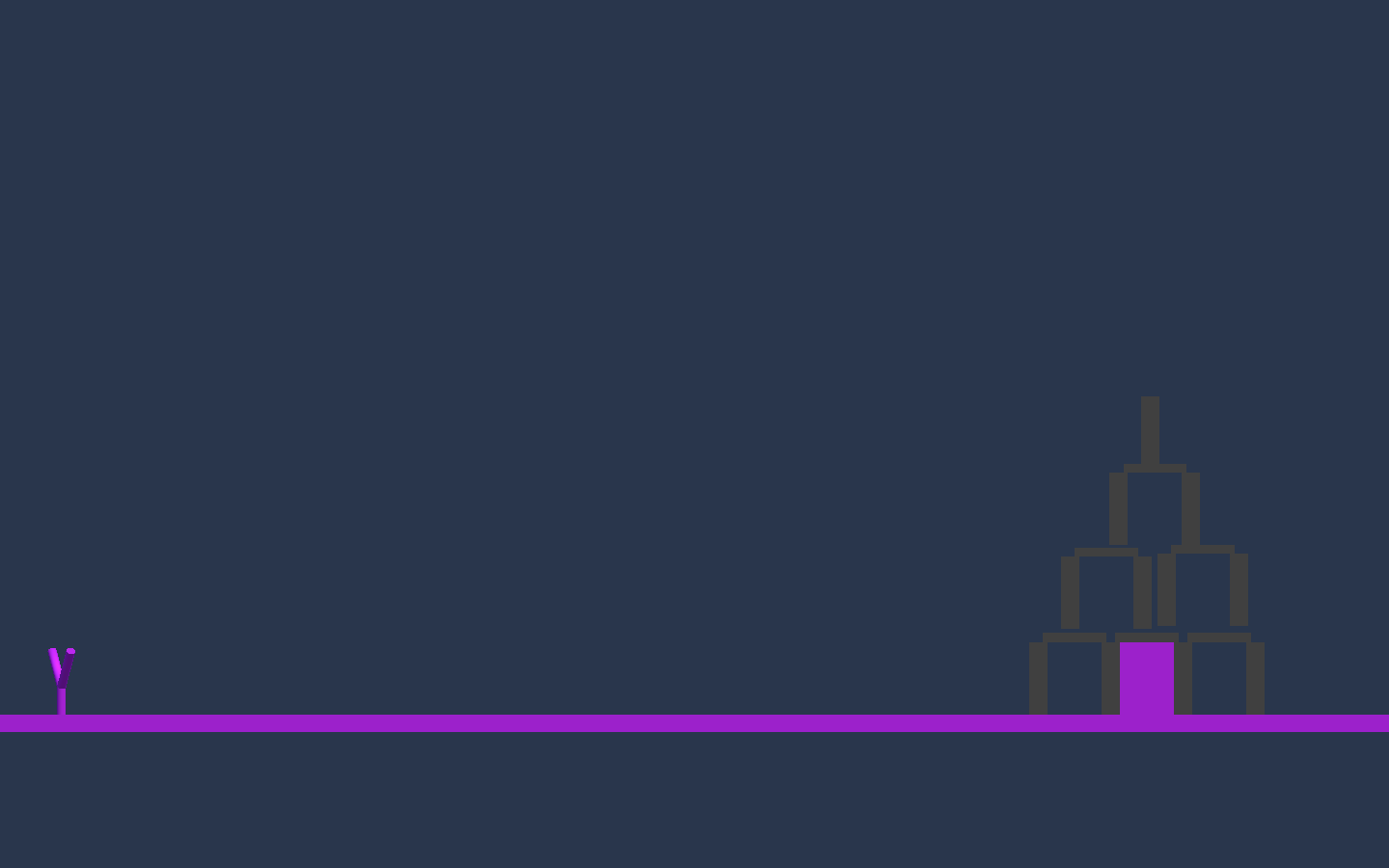
Game prototype
A slingshot physics prototype with projectile control and destructible structures.
Short exercises and setup notes collected alongside the games.
List operations, cube creation, shrinking, and deferred removal.
Assets/CubeSpawner3.cs
    void Update()
    {
        List<GameObject> removeList = new List<GameObject>(); // 创建一个列表用于存储需要移除的立方体

        foreach (GameObject goTemp in gameObjectList)
        {
            float scale = goTemp.transform.localScale.x; // h: 获取当前立方体的大小
            scale *= scalingFactor; // 缩小立方体
            goTemp.transform.localScale = Vector3.one * scale;

            if (scale <= 0.1f) // 如果尺寸小于0.1f...
            {
                removeList.Add(goTemp); // 则加到removeList中
            }
        }
The file CubeSpawner3.cs declares CubeManager, so its name needs alignment before attaching it as a MonoBehaviour in Unity. ArrayEx.cs and ArrayEx1.cs are empty exercise stubs in this snapshot.
Prefab instantiation, random colors, and frame-based object lifetimes.
Assets/CubeSpawer3.cs
    // 每帧都会调用一次 Update()
    void Update() {
        numCubes++;                              // 使立方体数目增加1
        GameObject gObj = Instantiate(cubePrefabVar) as GameObject;   // 实例化一个新的立方体

            gObj.name = "Cube " + numCubes;  // c
        Color c = new Color(Random.value, Random.value, Random.value);  // d
        gObj.GetComponent<Renderer>().material.color = c;
        gObj.transform.position = Random.insideUnitSphere;
        gameObjectList.Add(gObj);

        List<GameObject> removeList = new List<GameObject>();

        foreach (GameObject goTemp in gameObjectList) {

            float scale = goTemp.transform.localScale.x;
            scale *= scalingFactor;
            goTemp.transform.localScale = Vector3.one * scale;

if (scale <= 0.1f) { // 如果尺寸小于 0.1f.....The original filename CubeSpawer3.cs differs from its CubeSpawner3 class name. This should be corrected before attaching the script in Unity. Spawning and shrinking are frame-based, not time-normalized.
An Attractor, BoidAnchor, and Boid prefab setup. This snapshot contains no custom flocking scripts.
Assets/Scenes/_Scene_().unity
  serializedVersion: 6
  m_Component:
  - component: {fileID: 1860228899}
  m_Layer: 0
  m_Name: BoidAnchor
  m_TagString: Untagged
  m_Icon: {fileID: 0}
  m_NavMeshLayer: 0
  m_StaticEditorFlags: 0
  m_IsActive: 1
--- !u!4 &1860228899
Transform:
m_ObjectHideFlags: 0Scene setup only. There is no verified flocking simulation or playable demonstration in this snapshot.